
esp32 s3: Complete Guide to Wi-Fi, Bluetooth, USB, AI Features, GPIO, Programming, Board Choices, Safe Wiring, Indian Price Checks and Practical IoT Projects for Beginners Today at Home and College
A practical ESP32 S3 guide covering capabilities, pin choices, power, programming and beginner IoT project setup.
Introduction
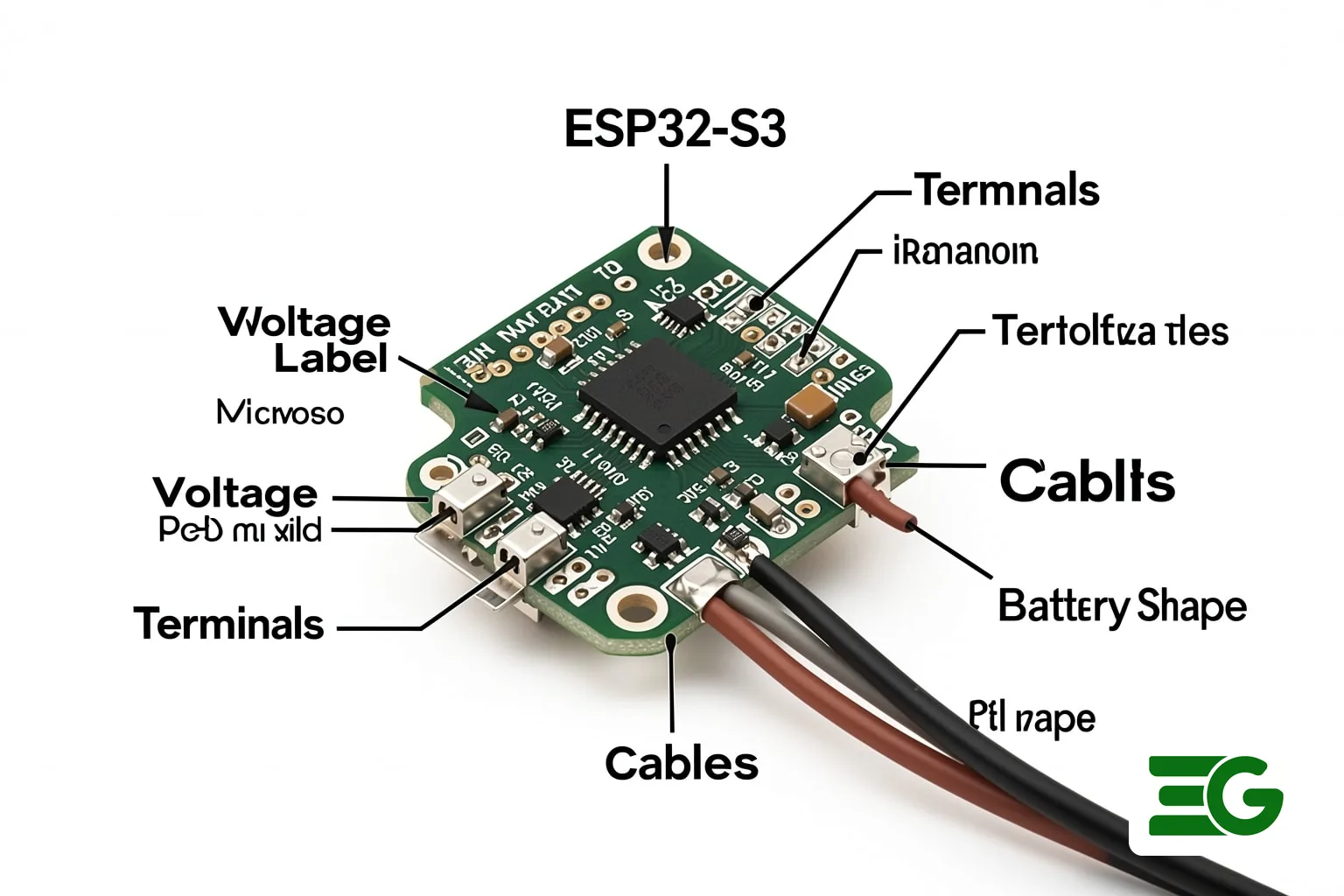
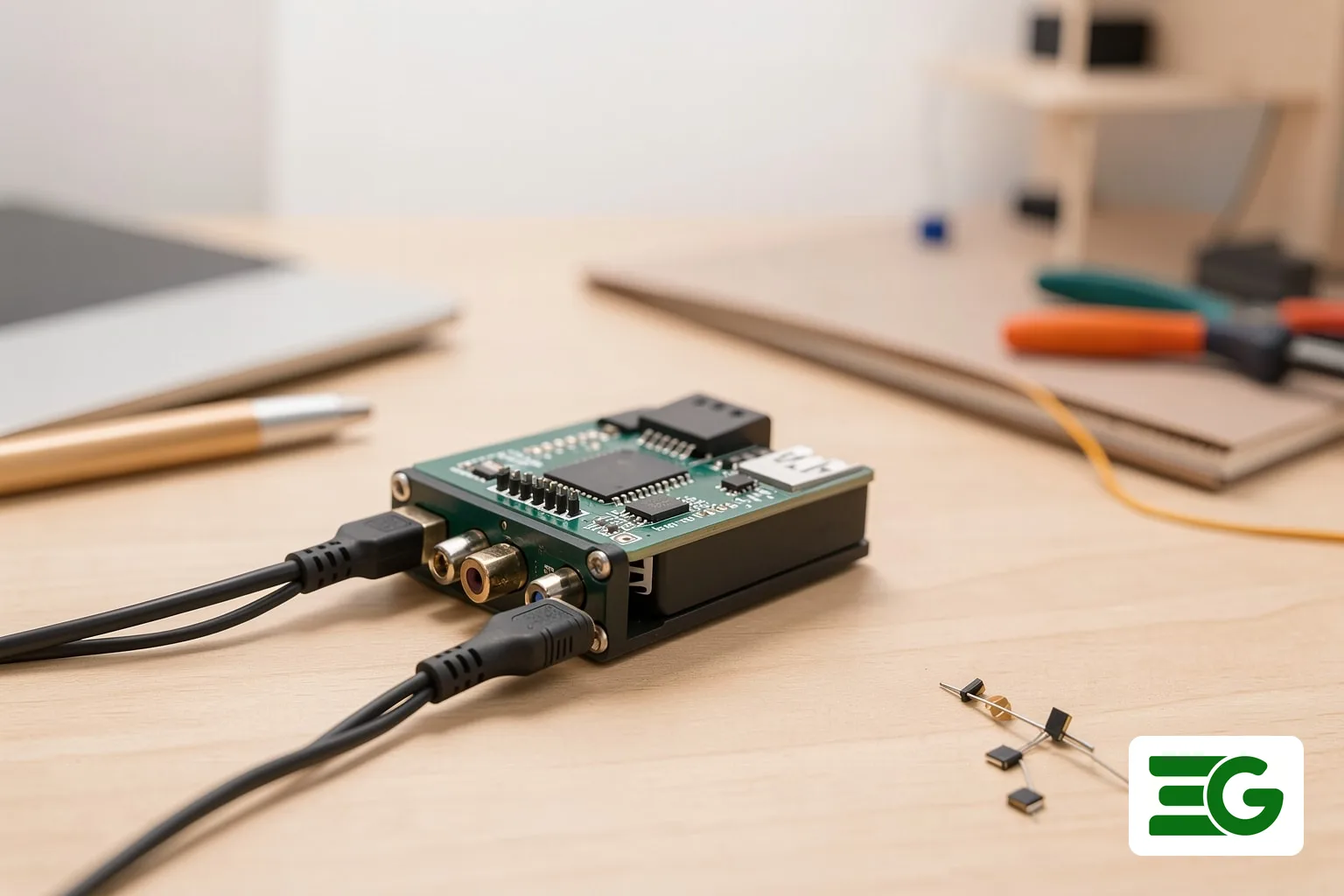
esp32 s3 is a newer ESP32 family option that adds useful USB and processing features for connected projects. It is not automatically the right answer for every build, because board layout, GPIO access and software support still affect the experience. We explain what the S3 offers, when it makes sense and how to get started safely.
A reliable backup system protects work, network equipment, and electronics only when the battery can deliver current at the moment mains power fails. A battery may measure close to its nominal voltage while unloaded and still drop quickly under a computer, router, monitor, or security system load. This guide explains what to check before buying, how to diagnose short backup, and when replacement is safer than repeated testing.
esp32 s3 types and basic ratings
Most small backup system units use sealed lead acid batteries because they are compact, widely available, and designed for standby service. Some newer systems use lithium based packs, but these are not drop in replacements unless the backup system and charger are designed for them. The battery label tells you more than the case shape. Read the nominal voltage, capacity in Ah, terminal style, model, and any charging instructions before ordering a replacement.
The Ah rating is a capacity measure, but it does not guarantee one fixed runtime. Actual backup changes with load, battery age, temperature, efficiency, and discharge rate. A larger capacity battery can improve runtime only if it fits physically and the charger supports it. Do not assume a esp32 s3 with similar terminals is suitable. The correct replacement must match the backup system voltage and battery arrangement exactly.
Charger capacity and runtime
Match capacity to the job
Begin with a list of equipment that must stay on during an outage. A router, modem, computer, monitor, CCTV recorder, and small lights may all have different power needs. Check the power labels or adapters, then use a conservative estimate rather than a maximum claim from a listing. A desktop PC with a monitor usually needs more support than a router alone, and a printer or heater should not be added to a small backup system.
Run a controlled backup test occasionally. Save work, switch off nonessential loads, and note how long the backup system supports the required equipment. Compare the result with prior tests, not only with a theoretical number. A steady reduction over time is normal as batteries age. A sudden drop can indicate a bad connection, weak battery, charging fault, or a load that has changed since the last test.
Checking compatibility before buying
Check voltage and terminals
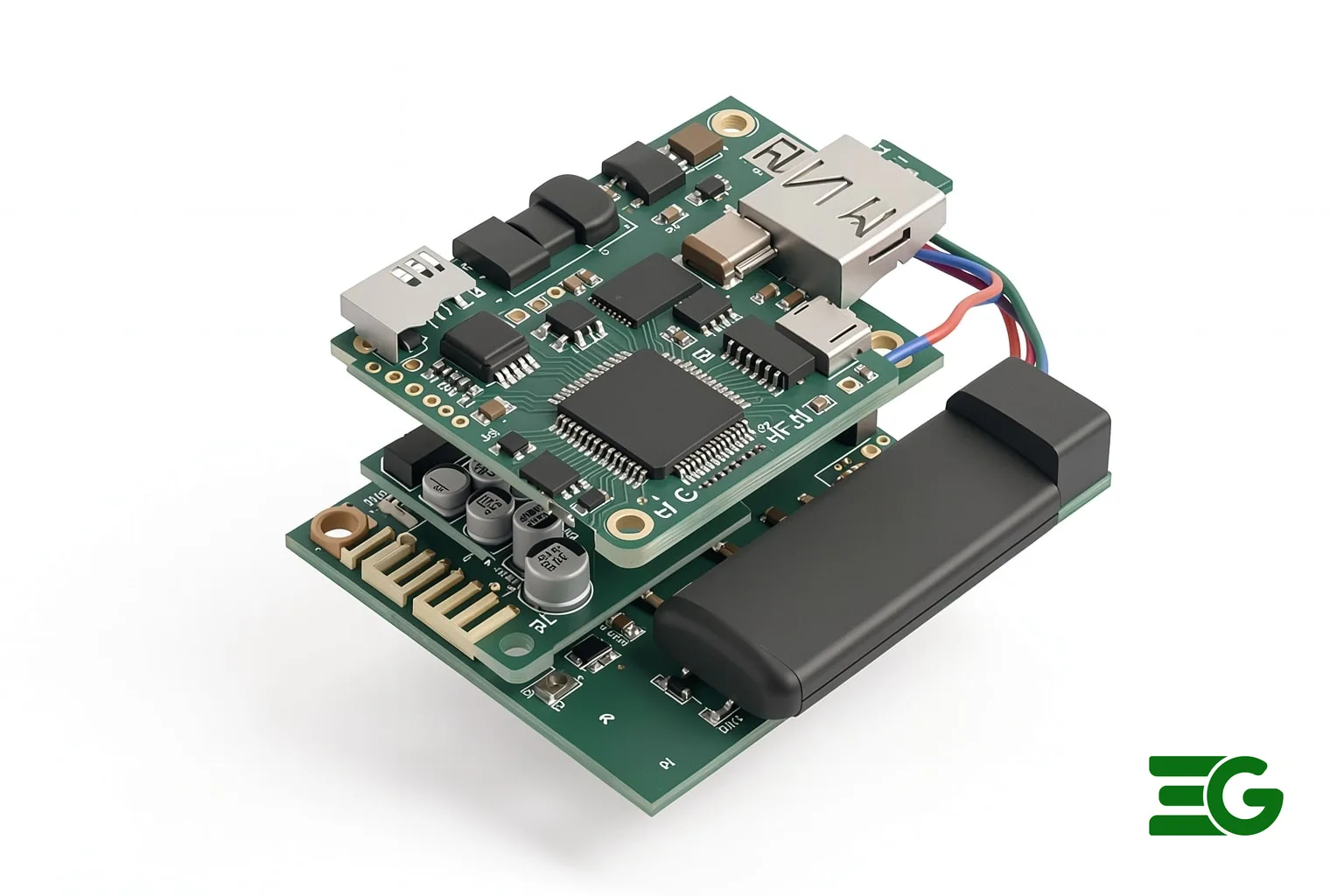
Match voltage first. A backup system that uses one esp32 s3 needs a esp32 s3 with the required terminal layout and physical dimensions. A larger backup system may use several batteries connected in series, and every battery in that bank should be compatible and in similar condition. Replacing only one tired battery in an old multi battery bank can leave the system unbalanced and shorten the life of the new unit.
Match terminal type and orientation next. Terminals that look similar can differ in width, bolt size, and position. Cables should reach without stretching or crossing sharply. Check the battery tray dimensions and ventilation clearance. If there is any doubt, use the backup system manual, the old battery label, or qualified service advice instead of forcing a battery into the cabinet.
Safe replacement and connection checks
Before replacing a esp32 s3, shut the backup system down in the manufacturer recommended order and disconnect mains power if the manual instructs it. Remove metal jewellery, keep tools away from both terminals, and work in a dry, well lit area. Take a photo of the original cable layout before disconnecting it. That record helps prevent reversed polarity or a misplaced fuse connection.
Connect the correct terminal in the correct order described by the equipment manual. Tighten connectors securely but do not overtighten bolts or damage the terminal. Once installed, inspect for pinched wires, loose lugs, heat marks, or a battery case that rocks in the tray. Allow the unit to recharge fully before expecting normal backup. If it alarms, heats, leaks, or smells unusual, disconnect and seek service.
Why 12V batteries fail early
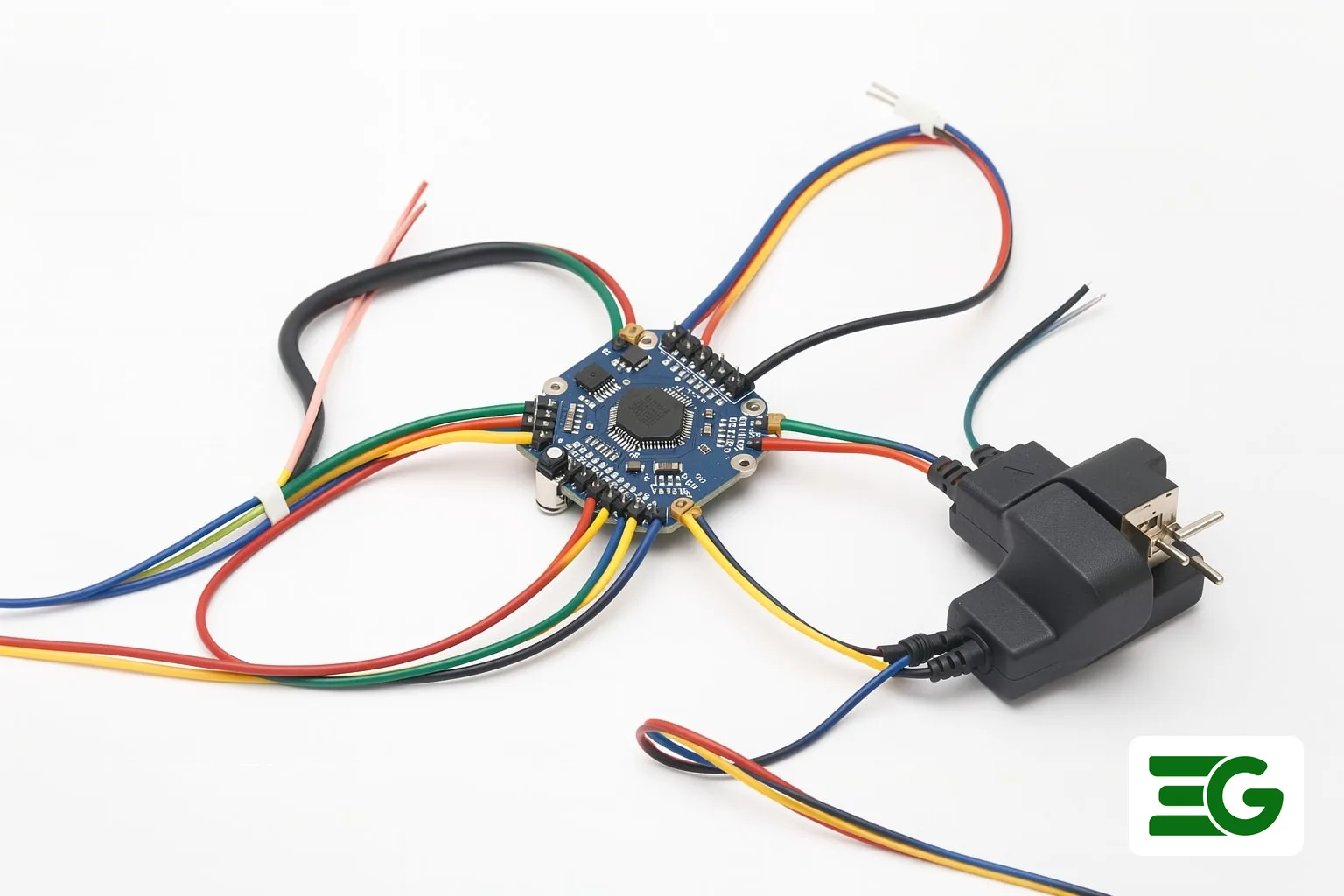
Heat is a common cause of shortened battery life. A backup system in a hot, closed cabinet or beside a heat source may charge and age faster than expected. Dust can restrict airflow, while loose terminals add resistance and heating. Place the backup system where air can move around it and where the battery compartment remains accessible for safe inspection.
Repeated deep discharge also reduces available capacity. A backup system is designed for backup, not for running heavy appliances through long outages. Use it for the equipment it was sized to support. If outages are frequent, consider a system designed for longer backup rather than demanding more from a small computer backup system. Good load management costs less than replacing batteries prematurely.
esp32 s3 maintenance and storage
Sealed lead acid 12V batteries are normally maintenance free in the sense that they should not be opened or topped up by the user. Keep the outside clean and dry, inspect terminals periodically, and listen for warning beeps. Do not cover ventilation openings. If the backup system has a self test function, use it according to the manual and record the result.
When storing a spare battery, keep it upright in a cool, dry place away from direct sunlight, loose metal objects, and children. Do not store a discharged battery indefinitely. Follow the product guidance for recharge intervals. At end of life, return the old battery through a dealer or approved battery collection route. Do not put it in household waste, puncture the casing, or burn it.
Choosing between lead acid and lithium 12V batteries
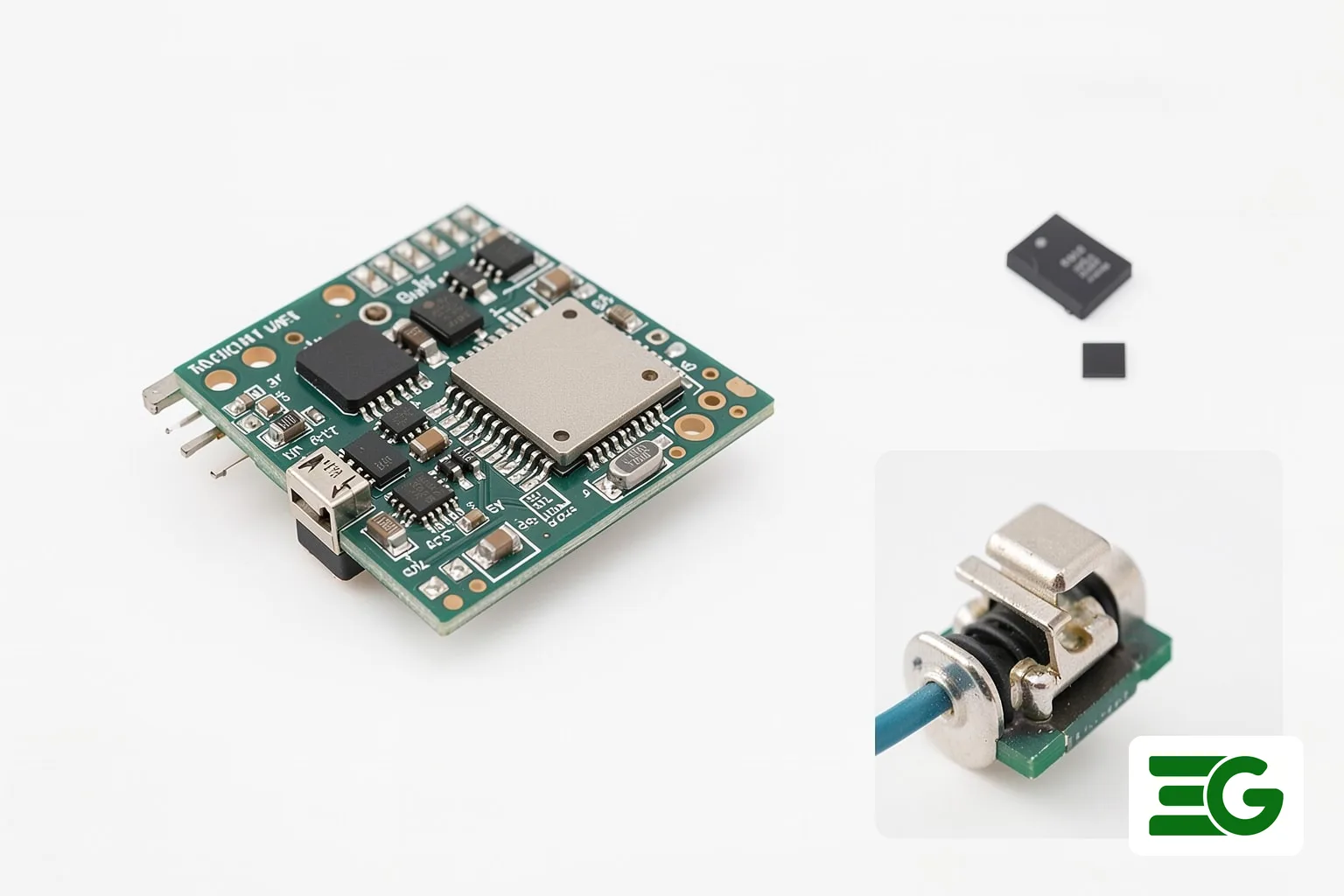
Lead acid remains common because it is familiar, available, and compatible with many existing backup system designs. Lithium batteries can offer lower weight and potentially longer cycle life, but the charger voltage, protection electronics, physical fit, and backup system firmware must be compatible. A lithium battery that merely has the same voltage printed on it may still be unsuitable.
Ask the supplier whether the battery is approved for your exact backup system model and whether any setting or firmware change is required. Compare warranty, service access, charging time, usable capacity, and replacement procedure. For a standard home or office backup system, a correctly specified sealed lead acid replacement is often the lowest risk path. For a planned upgrade, evaluate the complete system rather than one battery alone.
esp32 s3 troubleshooting before service
If the backup system shuts down immediately after mains power fails, first reduce the load and check the battery connection without opening the battery case. Verify that the unit has had enough uninterrupted charging time after the last outage. A loose terminal, worn cable, or degraded battery can all produce the same warning tone. Make a note of the model, alarm pattern, load, and recent power events before requesting service.
A backup system that constantly switches between battery and mains mode can be responding to unstable input power, sensitivity settings, wiring, or a fault. Avoid repeated manual switching as a diagnostic method. Protect important data by saving work, then consult the equipment manual and qualified support. The aim is to identify the correct cause without stressing the battery further.
Understanding backup system output and load limits
Every backup system has a rated output, normally shown in VA and sometimes watts. These are not interchangeable numbers. The connected equipment should remain below the usable output rating so the backup system can handle normal operation and short peaks without overload alarms. A system that is near its limit may appear fine while mains power is present but shut down quickly when it transfers to battery. Read the equipment label and use its stated rating rather than guessing from the number of sockets.
Some loads draw a high starting current. Printers, compressors, pumps, and certain power supplies may demand a brief surge that a small computer backup system cannot deliver. Connect only the loads the backup system is intended to support. For workstations, focus on a computer, monitor, router, and storage device so you have time to save work and shut down cleanly. For larger home backup, use an inverter system designed for that duty.
Do not connect power strips just to multiply the number of appliances. More sockets do not increase the battery energy or backup system output. A tidy load plan is safer: identify essential equipment, keep cable routes clear, and label the devices that must remain connected. This also makes a future battery test meaningful because you are comparing the same realistic load each time.
Charging habits and battery health
A backup system normally keeps its battery ready through a controlled float or maintenance charge. After a long outage, it may need several hours to recover fully. Switching it off too soon can leave the battery partly charged, while repeatedly draining it without recharge accelerates wear. Let the unit recharge according to the manufacturer guidance and avoid treating an office backup system as a daily power source for heavy equipment.
Input power quality matters too. Frequent voltage changes, loose wall sockets, and overloaded extensions can affect the charging system and transfer behaviour. Use a secure mains connection rated for the equipment. If the backup system displays a persistent fault, rapid battery warning, or abnormal charging indication, record it and seek service. Do not open the mains section or attempt to repair high voltage electronics without appropriate training.
Battery temperature should remain within the product operating guidance. High ambient heat shortens battery life, and cold conditions can reduce immediate capacity. Keep the backup system away from direct sun, kitchens, damp locations, and tightly packed cabinets. A simple clearance around vents can make a large difference to long term reliability. When inspecting, look for dust buildup, blocked airflow, and cables that trap heat around the battery compartment.
Planning replacement cost and service support
Plan a replacement before a critical battery reaches complete failure. Note the purchase date, prior test results, and whether the backup system is used for essential work, surveillance, or communication. A planned replacement lets you confirm model compatibility and arrange safe disposal. An emergency replacement during an outage often leads to a rushed purchase based on case size rather than the actual electrical requirements.
Compare the complete offering, including warranty, service reach, manufacturing date, and return process. A low cost battery with old stock or unclear support can cost more in downtime. Keep the invoice, packaging details, and serial number in an accessible place. If your backup system is under service coverage, ask whether the battery check includes charging and load assessment, not just a quick no load voltage reading.
Finally, keep a simple continuity plan. Save files regularly, configure computers for orderly shutdown where possible, and know which device can be switched off first during a long outage. A well selected esp32 s3 is important, but the best protection combines appropriate hardware with sensible operating habits. That is how a small backup system delivers dependable value over its working life.
Conclusion: charge batteries safely
A esp32 s3 should be selected by verified voltage, physical fit, terminal type, capacity, charger compatibility, and realistic load. Test your backup periodically, keep ventilation clear, and replace a visibly damaged or clearly weak battery through a proper service route. These basic checks prevent many avoidable shutdowns.
For 12V batteries, connectors, and project power parts, browse battery options, review esp32 s3 pack details, compare battery parts, and keep a suitable backup battery option for low power electronics. A measured, compatible replacement protects both your uptime and your equipment.
Tagged