
Exide Care Inverter Battery Guide for Indian Homes: Service Checks, Warranty Steps, Tubular Versus Lithium Choices, Safe Installation, Backup Troubleshooting, and Practical Maintenance That Helps You Avoid Unnecessary Replacement Costs
A practical Exide Care guide for checking inverter battery service needs, warranty details, safe maintenance, backup issues, and replacement choices.
Introduction
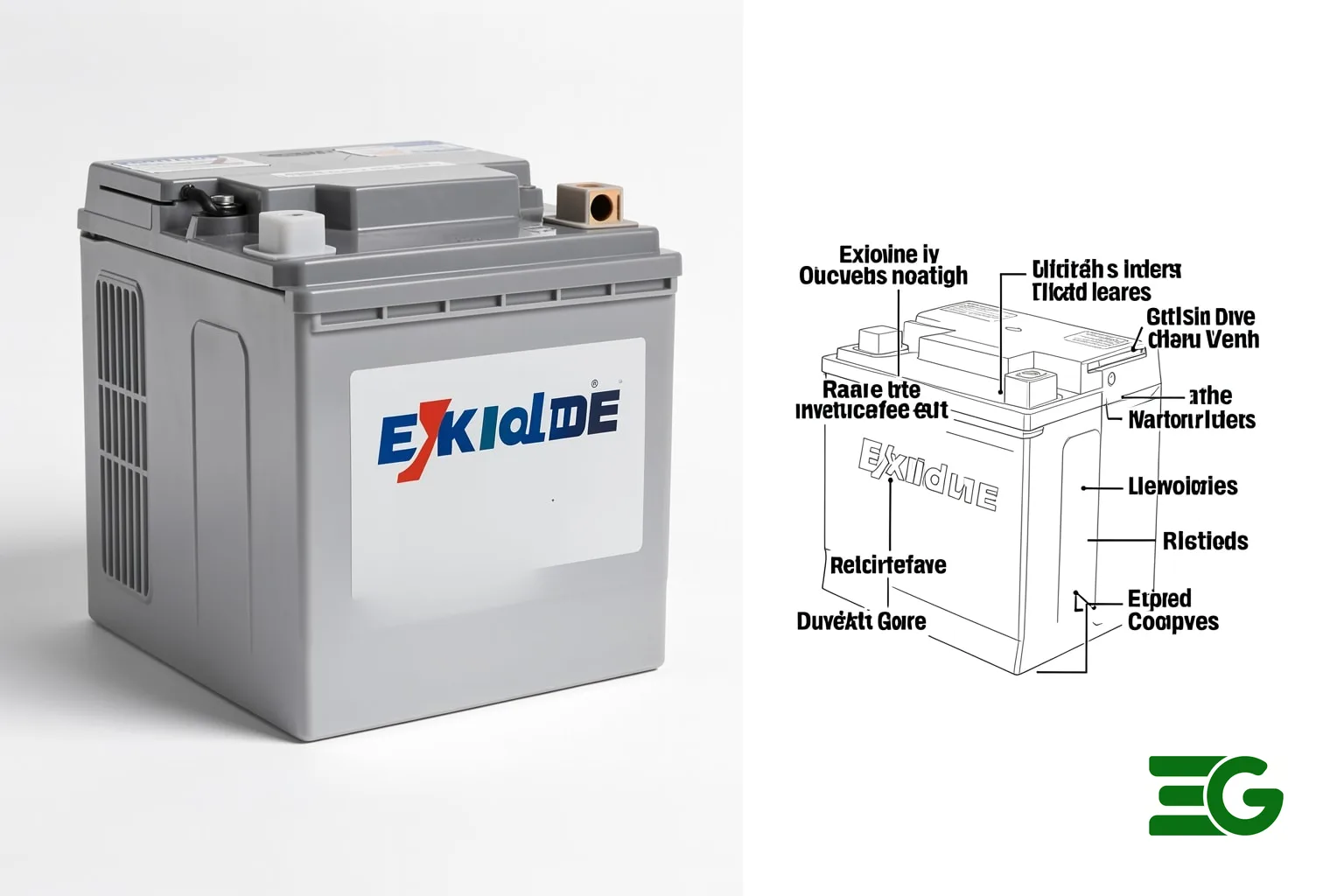
Exide Care is useful when an inverter or automotive battery needs a clear service path rather than guesswork. A battery may still show a reasonable voltage yet fail during a power cut, crank slowly, or need frequent topping up. The sensible first step is to identify the battery type, age, application, and symptom. That keeps a simple connection issue from being mistaken for a battery failure and helps you decide whether service, charging, or replacement is the better option.
For Indian homes, the battery choice affects backup time, maintenance effort, ventilation needs, and long term cost. A tubular inverter battery, a flat plate model, and a lithium based system do not behave the same way. We recommend starting with the inverter label and the battery label, then recording the model, rated voltage, capacity, purchase date, and warranty information. Those details make any service conversation faster and more accurate.
Exide Care basics for battery owners
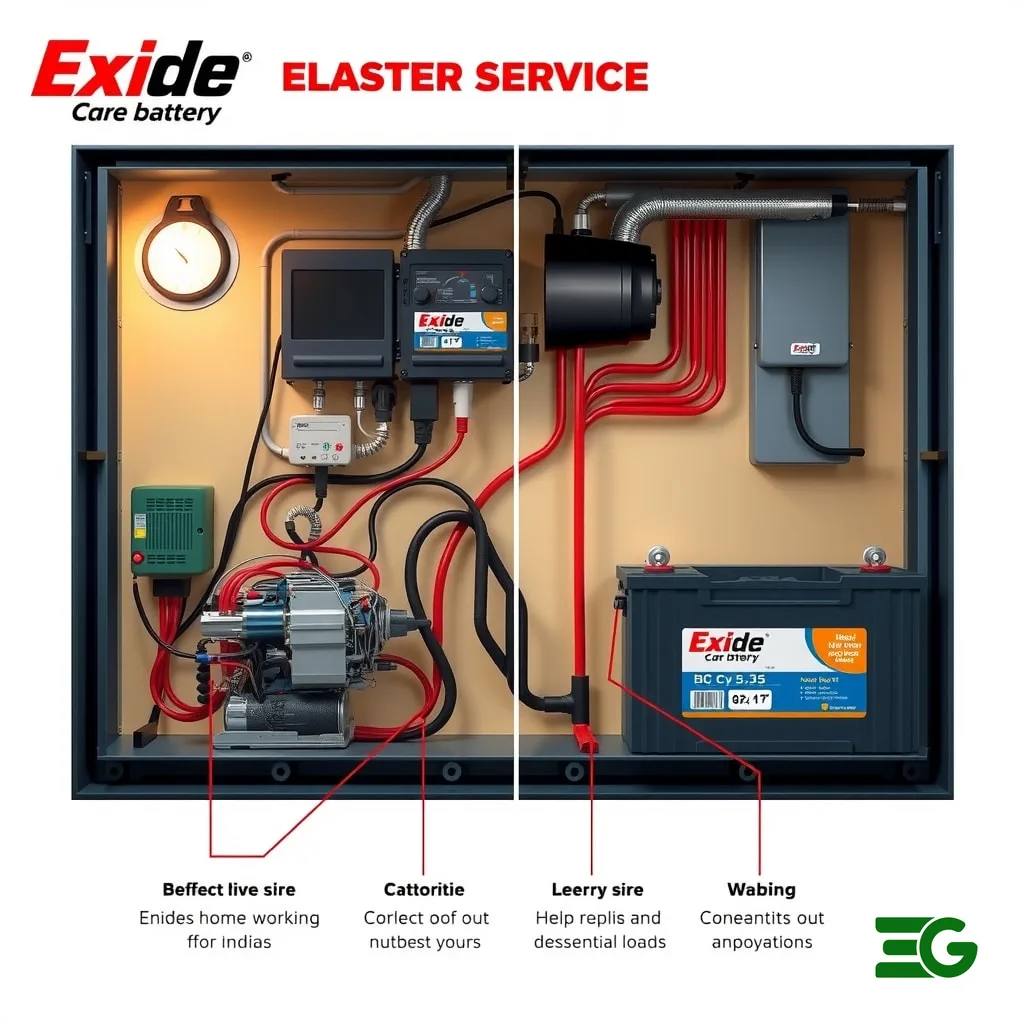
Exide Care should be approached as a maintenance and support route, not as a substitute for checking the installation. Confirm that the correct battery is connected to the correct equipment. Most home inverter systems use a 12V battery or a series bank specified by the inverter manufacturer. The cable polarity, terminal tightness, fuse condition, and ventilation around the battery all deserve attention before assuming that the cells are damaged.
Start by switching off the inverter safely according to its manual. Inspect the battery top for dust, cracks, bulging, corrosion, or electrolyte residue. Look for loose lugs and heat marks at the cable ends. A clean, tight connection reduces resistance and prevents misleading low voltage warnings. If you see swelling, a damaged case, strong odour, or a hot terminal, stop the inspection and use qualified service support.
Know your inverter battery before requesting service
Read the label rather than relying on the battery colour or cabinet shape. The label normally identifies voltage, capacity in Ah, technology, serial information, and sometimes warranty details. A 12V battery is common in smaller systems, but capacity and inverter load determine usable backup. Two batteries with the same nominal voltage can provide very different runtime because their Ah rating, condition, discharge rate, and age differ.
Tubular lead acid batteries are popular for longer backup applications because their plate construction is designed for repeated deep cycling. Flat plate batteries may suit lighter duty use. Lithium systems are lighter and can offer high cycle life, but only when the inverter charger, battery management system, and installation are compatible. Never replace one chemistry with another just because the terminal arrangement looks similar.
Exide Care warranty and service information to keep ready
Before contacting service, collect the invoice, battery serial number, model, purchase date, and a short record of the problem. Note whether the issue happens only during a power cut, while charging, after a particular load is added, or after many hours of idle time. A photo of the label and terminal area can help describe the unit accurately, but do not open sealed batteries or remove safety labels.
Warranty terms vary by product and purchase channel, so the bill and product documents are the source of truth. Tell the service team if the battery has been used with an inverter whose capacity differs from the recommendation, or if it has been stored unused. Clear history is more useful than a guess about battery health. It lets the technician check the correct charging voltage, cable routing, and load profile.
Checking charging, load, and backup time
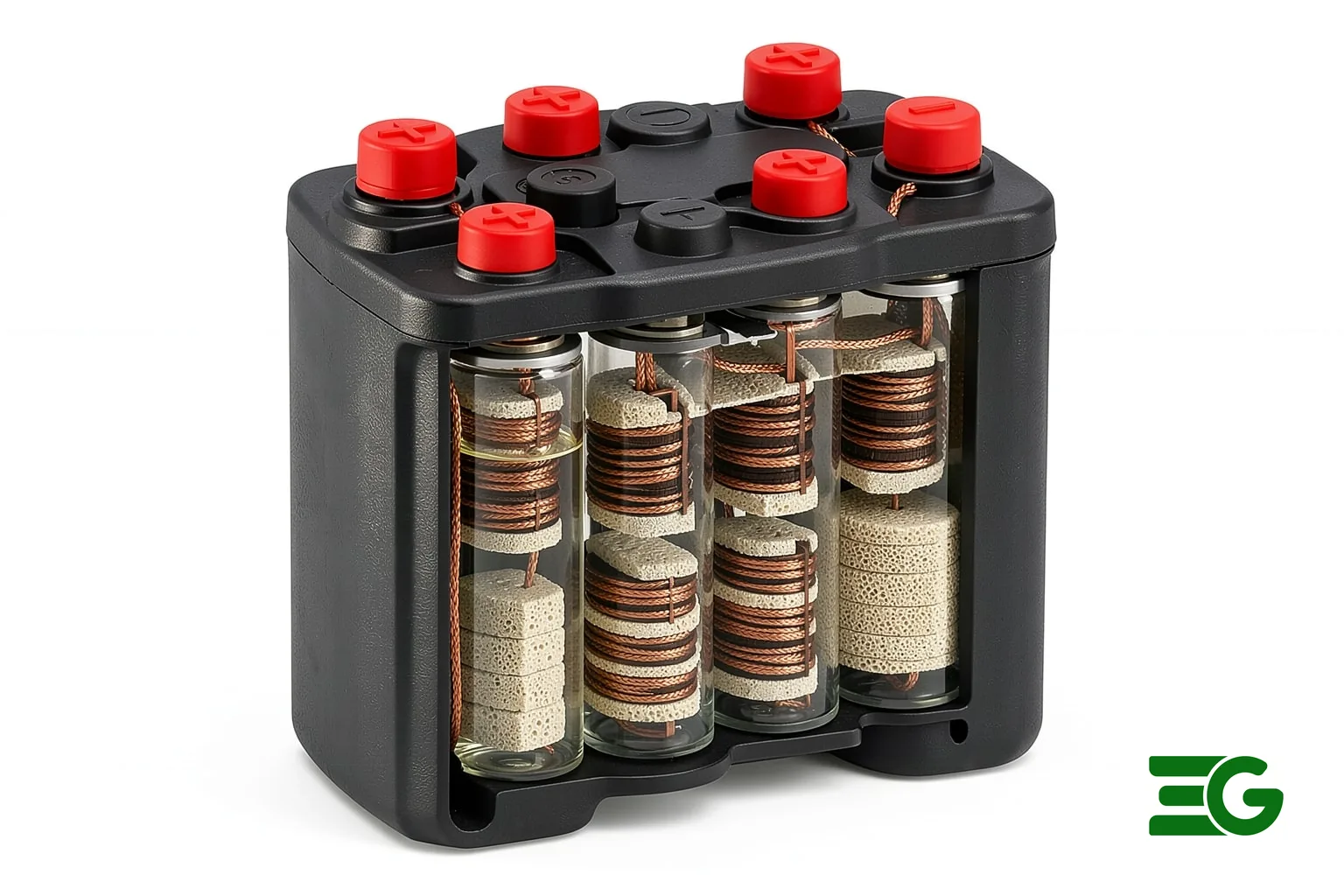
A battery can appear charged when no appliance is running and still collapse under load. Ask a technician to assess voltage under the actual inverter load, charging behaviour, and battery condition with suitable tools. At home, you can keep a simple log: time of power cut, appliances running, backup duration, inverter alarm behaviour, and recharge time. Patterns in that log often reveal whether the problem is overload, aging, or a charging issue.
Do not estimate backup from Ah alone. The power used by fans, lights, routers, televisions, pumps, and appliances changes continuously. Higher loads draw more current and generally reduce effective runtime. A home inverter should be sized with a realistic list of appliances, including motor starting demand. Keeping only essential loads connected during an outage is usually more useful than expecting a small battery system to run the entire home.
Battery maintenance that prevents avoidable failures
For a serviceable lead acid battery, follow the manufacturer instructions for electrolyte maintenance. Use only the specified distilled water where applicable. Do not add acid as routine maintenance, and never overfill cells. Keep the top surface dry and clean because dirt and moisture can create a slow leakage path between terminals. Terminal corrosion should be addressed carefully with the system isolated, using the procedure recommended by the manufacturer.
Ventilation matters. Charging lead acid batteries can release gas, so the area should not be a sealed cupboard with ignition sources nearby. Keep children, tools, and metal jewellery away while inspecting terminals. Lithium batteries also need proper installation space and thermal management, although their maintenance needs are different. In either case, a battery cabinet is not a substitute for correct wiring and periodic checks.
Exide Care troubleshooting for common symptoms
Short backup time is the most common complaint, but it has several causes. The battery may be old, undercharged, overloaded, poorly connected, or operating in high heat. Start with the recent change: a new appliance, longer outage, loose terminal, or an inverter setting. If the inverter beeps immediately under a load that previously worked, disconnect nonessential loads and arrange a professional check instead of repeatedly forcing the system to restart.
Slow charging can come from a weak input supply, incorrect inverter settings, a charger fault, cable resistance, or battery condition. A battery that heats excessively during charging, leaks, swells, or emits a strong smell needs attention promptly. Do not bridge a fuse, bypass protection, or connect loose wires directly to a battery. Those shortcuts can damage the inverter and create an electrical hazard.
Choosing a replacement battery with confidence
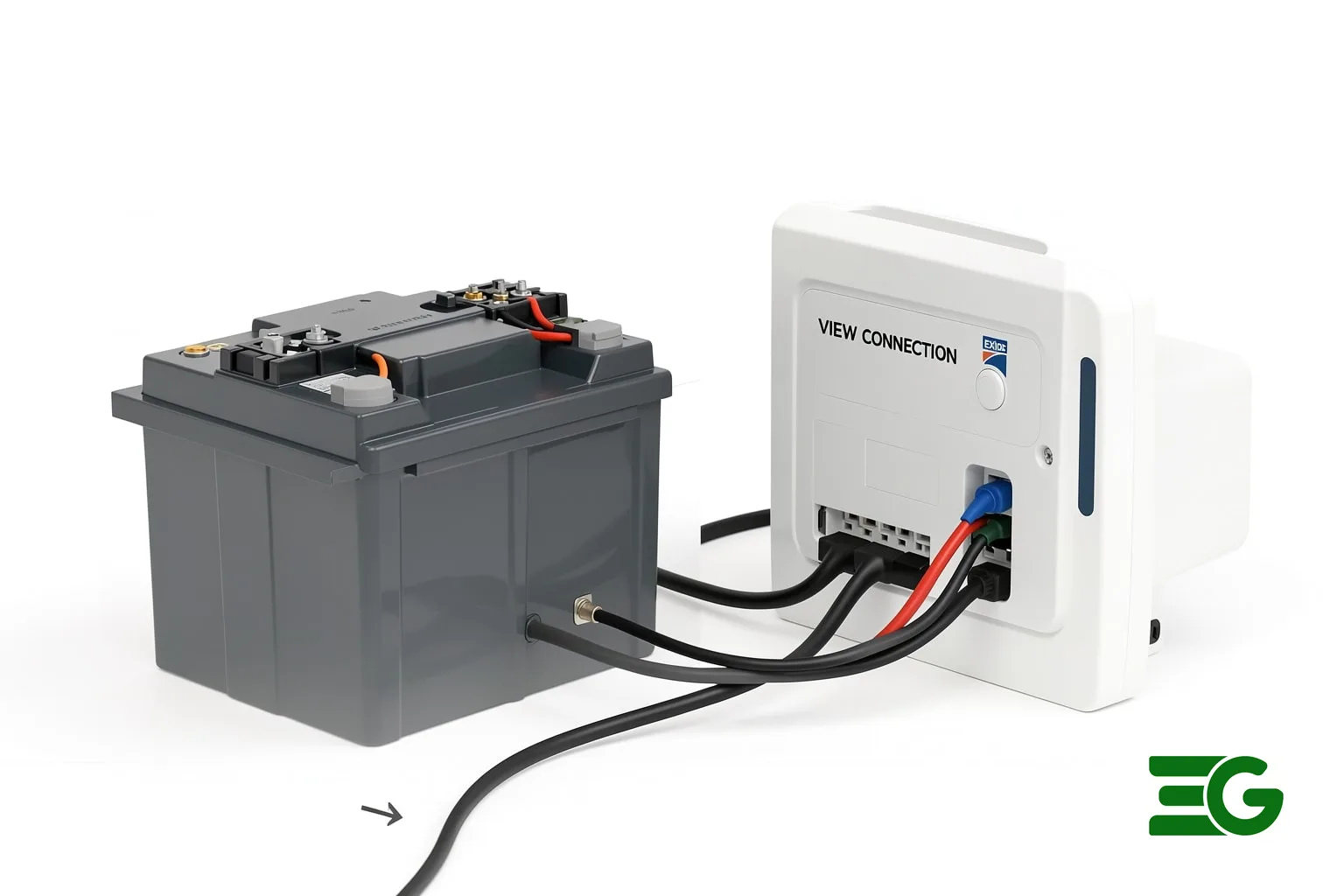
Choose a replacement by matching the system requirements first: voltage, battery bank arrangement, physical fit, terminal orientation, charging compatibility, and expected load. Then compare capacity and technology. A larger Ah rating can improve backup duration when the inverter and charger support it, but it does not correct an oversized load or a faulty inverter. The best replacement is the one that matches the actual duty cycle and installation.
For a home that mainly needs fans, lights, a router, and a television, write down the wattage and expected outage duration before shopping. For heavier loads such as pumps, refrigerators, or workshop tools, obtain an installer recommendation. The initial price is only one part of ownership. Service availability, warranty clarity, safe installation, and appropriate charger settings matter throughout the battery life.
When tubular, flat plate, and lithium options differ
Tubular batteries are often selected for repeated cycling and longer backup in home inverter installations. Flat plate options can be suitable where backup needs are lighter or budget is the priority. Lithium based packs can be compact and faster charging in compatible systems, but their built in battery management and charging requirements must match the inverter. A chemistry upgrade without compatibility verification is not an upgrade.
Ask for the recommended charging profile, expected maintenance, operating temperature range, physical dimensions, and service process before purchase. If your home has frequent long outages, calculate from measured loads rather than relying on a generic runtime promise. If outages are brief but frequent, cycling behaviour and charging recovery can matter more than the largest possible capacity figure.
Safe installation and everyday operating habits
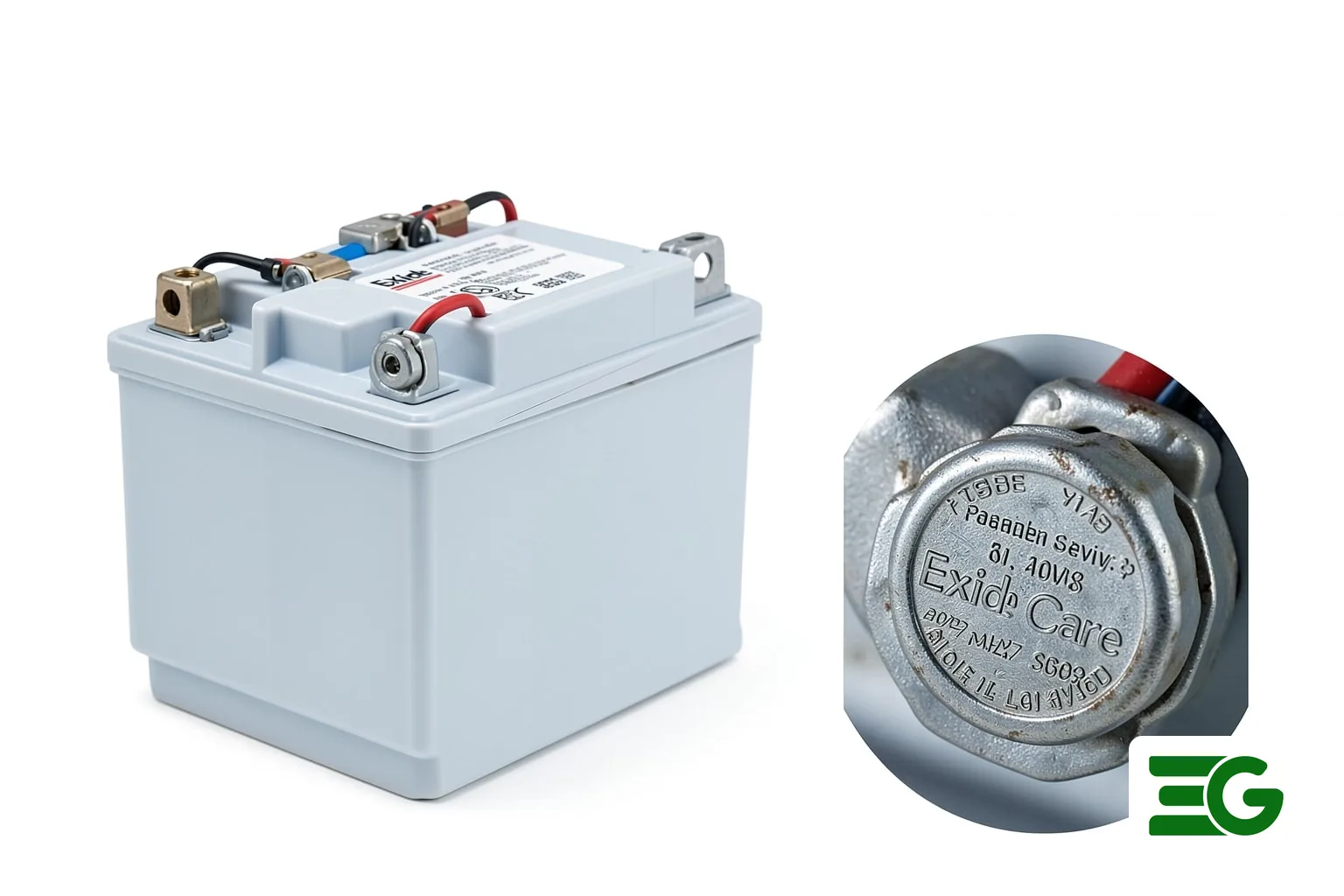
Place the battery on a level, stable surface away from heat, direct sunlight, and water. Use cables of the specified gauge with secure lugs. Keep positive and negative connections protected from accidental contact. If the system uses more than one battery, follow the approved series or parallel layout exactly. Wrong wiring can damage the inverter instantly and may create dangerous heating at the terminals.
During an outage, prioritize essential loads. Turn off high wattage appliances unless the system was designed for them. After power returns, allow the battery to recharge normally and avoid repeatedly switching heavy appliances on and off. A simple monthly visual check, a periodic backup test, and a note of unusual alarms provide better evidence than waiting for a complete failure.
Service versus replacement: making the practical call
Service is sensible when the battery is within its expected life, the symptom is new, and the installation has not been checked. Replacement becomes more likely when backup time remains poor after correct charging, when testing confirms reduced capacity, or when the case shows physical deterioration. A service assessment helps distinguish a battery issue from a charger, inverter, cable, or load problem.
Use an authorised channel for warranty and safety support, and ask for the diagnosis in clear terms. If replacing the battery, dispose of the old one through the dealer or an approved collection route. Lead acid batteries should not be opened, dumped, or left where children can access them. Returning them through a proper channel supports safe recycling of lead and plastic.
Getting more reliable backup from the same system
Reliable backup begins with a realistic operating plan. Make a small list of the appliances that must remain available during a power cut, then label each as essential, useful, or optional. Fans, a few LED lamps, a router, and phone charging may be essential. High wattage appliances can be kept off until mains power returns. This simple choice reduces battery stress and makes the available backup more predictable without changing a single component.
Check the inverter display or indicator lights during a normal recharge cycle. A system that never reaches its normal charged indication, or reaches it unusually quickly after a long outage, is worth investigating. Do not use a mains extension, damaged plug, or improvised connector to solve a charging concern. The correct solution may be as simple as a setting or connection, but it should be verified with the equipment safely isolated.
Heat is another practical factor. Battery performance and service life can suffer when the unit sits in a very hot, closed location. Give the cabinet reasonable airflow and do not stack household items around it. Keep the battery away from direct sun and from areas where water can splash. Good placement also makes label reading, inspection, and safe service access much easier.
Finally, test the backup at a convenient time with the same essential loads you expect during an outage. Note the start time, inverter alarms, and end time. This creates a useful baseline for future Exide Care service discussions and lets you notice gradual changes before a critical power cut exposes them.
Conclusion: keep Exide Care decisions evidence based
Exide Care works best when you bring good information: the battery label, invoice, inverter model, symptoms, and a realistic account of the load. Check terminals, ventilation, charging behaviour, and backup time before concluding that the battery alone is at fault. That approach protects the inverter, shortens service time, and avoids spending on the wrong replacement.
For related battery care reading and practical component guidance, see our Exide battery care guide, browse battery options, review battery parts, and compare 12V battery pack specifications. Choose a matched battery and inverter system, then maintain it with the same care you give the appliances it protects.
Tagged